Free Online PDF to Image Tool - Convert PDF Pages to Images Instantly
Free online PDF to image tool to convert PDF pages to JPG, PNG images. High-quality output, batch conversion. Browser-based processing protects privacy.
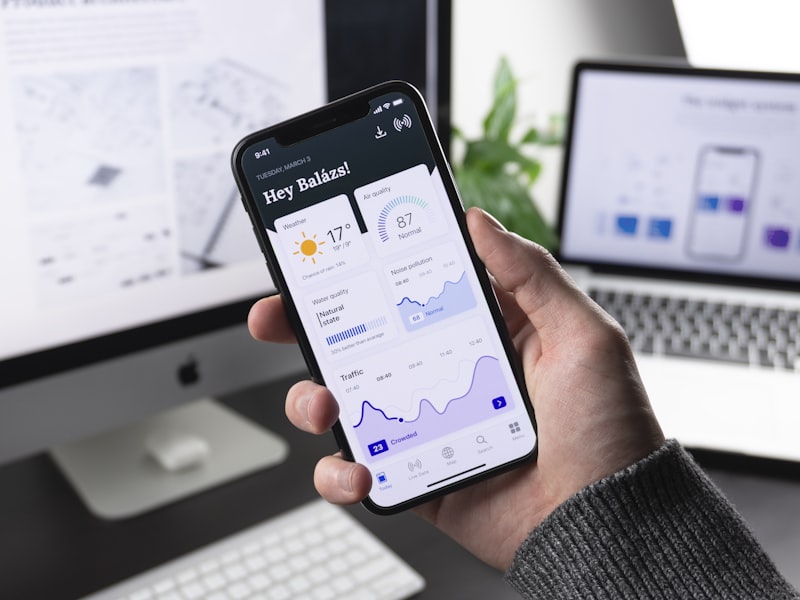
Sometimes you need PDF content as images. Maybe you want to share a specific page on social media, embed a document preview on a website, or use pages in a presentation. PDF to image conversion makes your documents more versatile.
52Doc PDF to Image Tool is a completely free online tool that requires no login. All processing happens locally in your browser — your files never get uploaded to any server, ensuring complete privacy and security.
Core Features
Multiple Output Formats

- JPG: Best for photographs and complex images, smaller file size
- PNG: Best for text and graphics, supports transparency
- WebP: Modern format with excellent compression and quality
High-Quality Output

- Resolution Options: Choose from 72 DPI (web) to 300 DPI (print quality)
- Quality Control: Balance between file size and image quality
- Color Accuracy: Preserve original colors and details
Flexible Page Selection
Convert exactly what you need:
- All Pages: Convert entire document
- Page Range: Specify which pages to convert (e.g., 1-5, 8, 10-15)
- Individual Pages: Pick specific pages from the document
Use Cases
- Social Media: Share PDF content as images on platforms that don’t support PDF
- Website Integration: Embed document previews without PDF viewers
- Presentations: Insert PDF pages into slide decks
- Email: Include document pages in emails where PDF might be blocked
- Archiving: Create image backups of important documents
Tool Comparison
| Feature | 52Doc | Adobe Acrobat | Smallpdf | PDF2JPG |
|---|---|---|---|---|
| Free | Completely Free | Paid | Limited free | Limited free |
| No Installation | Yes | No | Yes | Yes |
| Privacy Protection | Local Processing | Upload to Server | Upload to Server | Upload to Server |
| Output Formats | JPG, PNG, WebP | Multiple | JPG, PNG | JPG |
| Resolution Options | Multiple | Yes | Limited | Fixed |
| Registration Required | No | Yes | No | No |
Key Advantage: 52Doc offers multiple high-quality output formats with privacy-first local processing at no cost.


FAQ
Q: What’s the quality of converted images?
A: You can choose resolution from 72 DPI (web quality) to 300 DPI (print quality). Higher resolution produces larger files but better quality.
Q: Which format should I choose?
A: Use JPG for photos and complex images with smaller file sizes. Use PNG for text, graphics, or when you need transparency. Use WebP for modern websites requiring both quality and compression.
Q: Is there a limit on PDF size or pages?
A: There’s no strict limit. However, converting many pages at high resolution may take longer and use more browser memory.
Q: Can I convert password-protected PDFs?
A: For encrypted PDFs, remove the password first using our PDF Unlock Tool , then convert to images.
Q: How do I download all converted images?
A: Converting multiple pages creates a ZIP file containing all images, which you can download with one click.
→ Try PDF to Image Tool Now — Free online conversion, multiple formats, browser-based processing